Highlights
v1.0.4Press h while watching to mark a moment. The editor shows the words just spoken: click where the moment begins, preview exactly that span, save it with a note and tags.
- Export as a standalone video clipv1.1.0

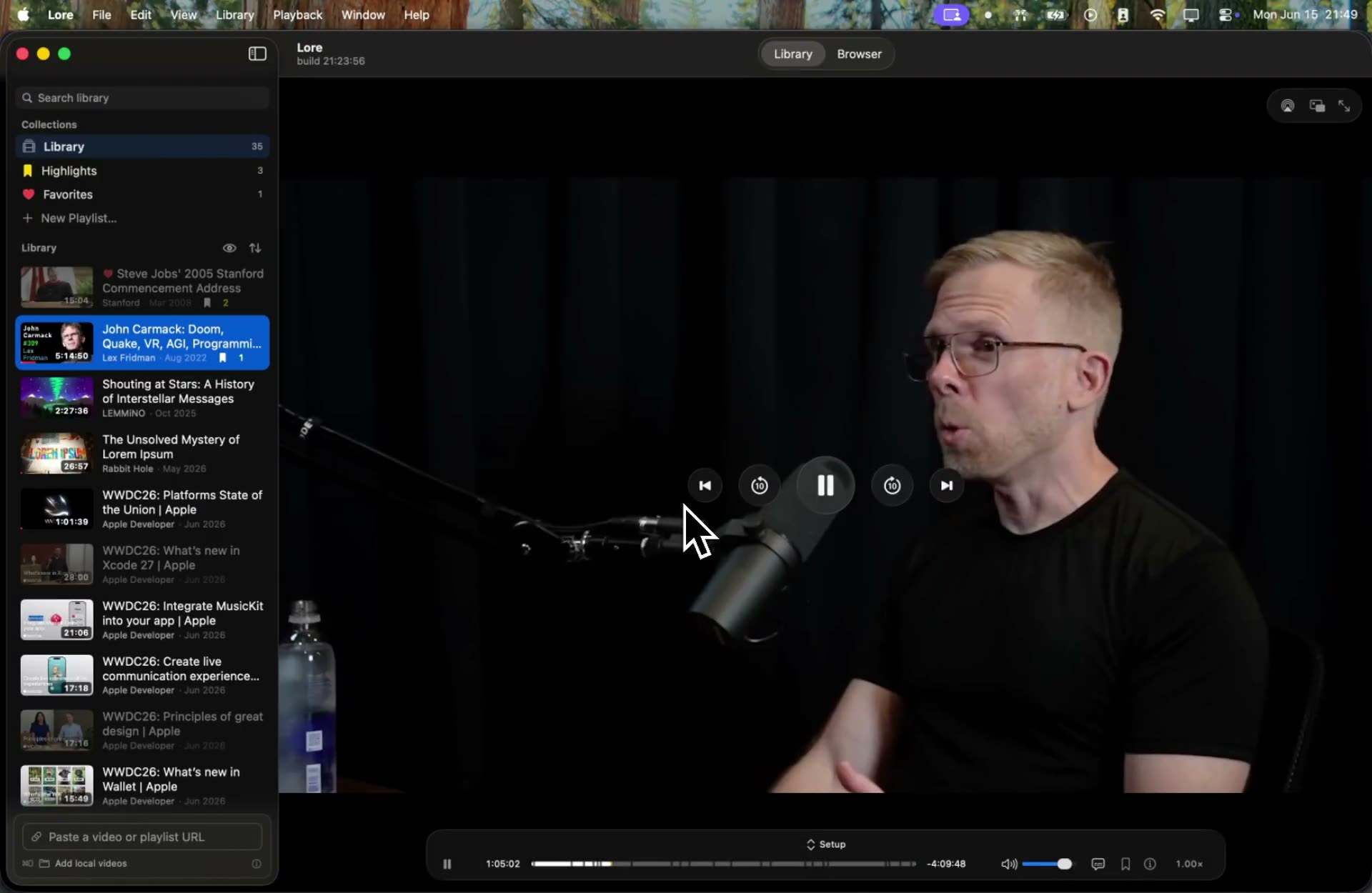
Search every word, highlight any moment. Distraction-free.
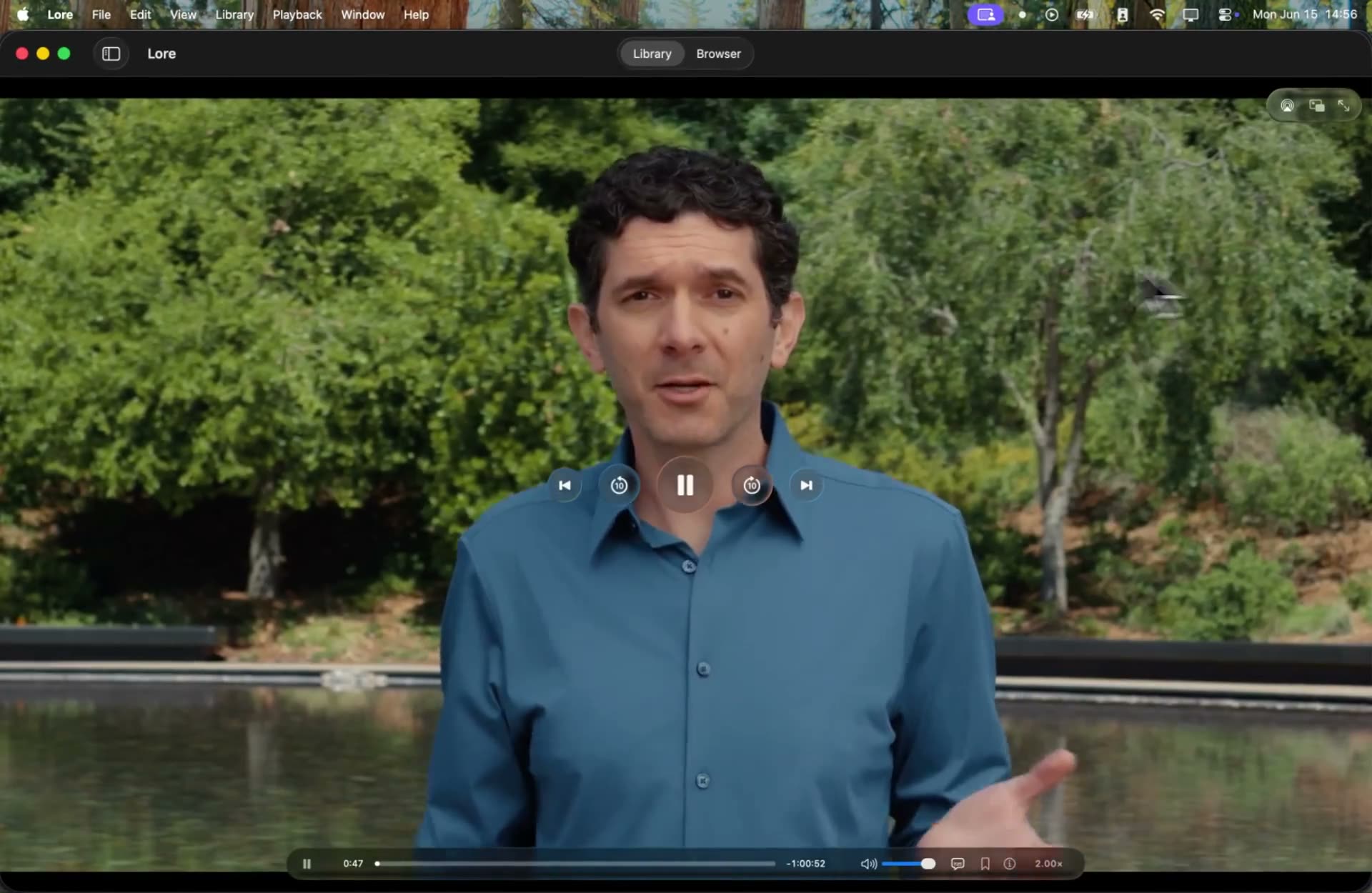
Summon the miniplayer from anywhere with a global hotkey. Swipe to scrub the timeline, swipe the edges for volume and playback speed.
Press h while watching to mark a moment. The editor shows the words just spoken: click where the moment begins, preview exactly that span, save it with a note and tags.
Search your whole library for anything that was said, and jump straight to the moment someone said it.
Subscribe and search, without doomscrolling. Follow channels and their uploads gather in one feed, no algorithm steering you. All of it keyboard-driven, of course.
Paste a link and it's archived: the video with its subtitles, chapters, and metadata, saved as one clean file that plays instantly, offline. Lore watches the clipboard too, so a link you copied while reading is one click from your library.

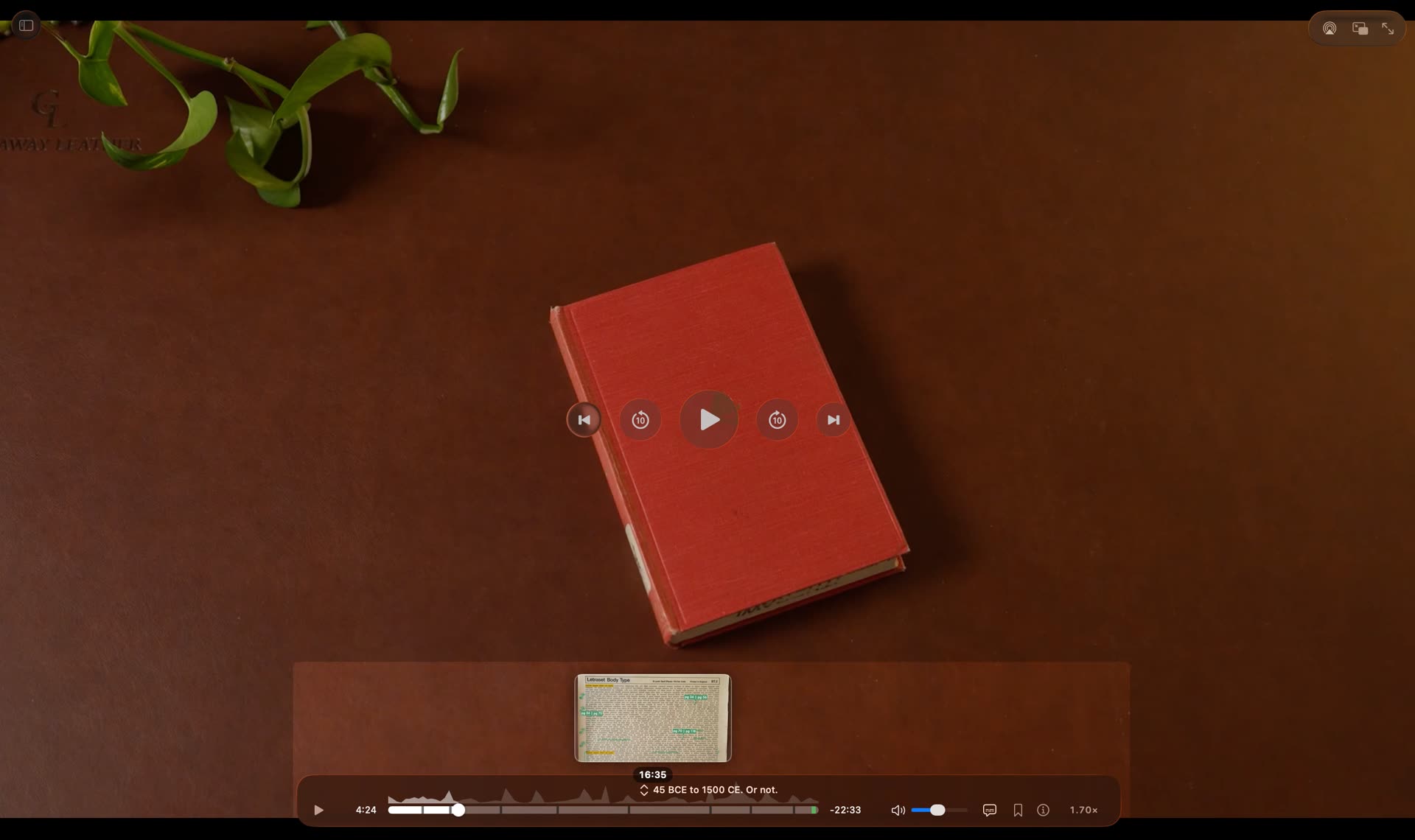
The scrubber knows everything: chapter markers, a frame preview as you hover (even offline), and SponsorBlock segments skipped automatically and marked in green.

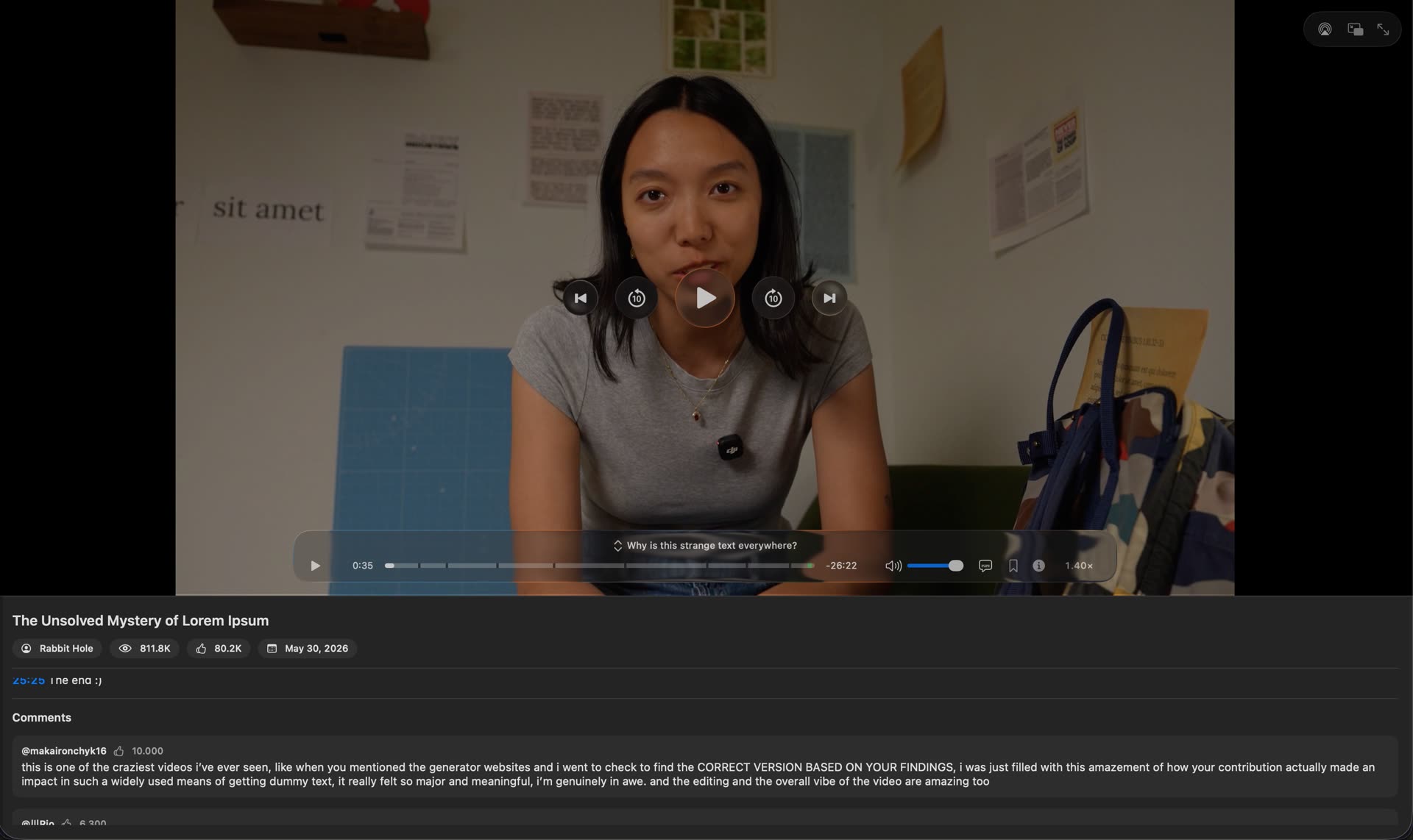
Top comments, like and view counts, and the description, right beside the video and kept current, so you never open a browser for context.
Play, pause, skip, bookmark a moment, or archive a link, straight from Spotlight, Shortcuts, and Siri.
Drag any video in, or press ⌘O. It joins your library with a thumbnail and a searchable transcript, and formats like mkv and webm are converted on the way in, subtitles and all. No tools to install: the whole app works on your own files alone.
Drive the whole library from the keyboard. ⇧⌘F searches from anywhere, even another app or while the miniplayer floats; arrow through the results, and ⌘+number jumps straight to a collection. Play, seek, bookmark a moment, or export a clip without ever reaching for the mouse, and nothing plays until you press Return, so browsing never interrupts what's on screen. Every key is rebindable; press ? to see them all.
vote on what's next, or propose it
w to hide or show watched videos in the library. All of it remappable in Settings.? for the keys that take no modifier, or ⇧⌘? for the ones that reach Lore from any app. Nothing to memorize, nothing to look up: the app teaches itself as you use it.>>) now read as plain text.⌘B.⌘-click select a range or a set, then favorite or delete them all together.⌫) frees the disk space but keeps the record, so it still shows as watched and you can re-download it anytime. Delete from Library (⇧⌫, with a confirmation) forgets it entirely.⌥⌘1–⌥⌘9 jump straight to a collection (Library, Highlights, a playlist) even when Lore isn't the front app, or while you're in the miniplayer. It mirrors the in-app ⌘1–⌘9.⇧⌘ to trigger an action from any app. ⇧⌘F searches, ⇧⌘Space plays or pauses, ⇧⌘M toggles the miniplayer. The collection jumps are the one exception, on ⌥⌘, because macOS already owns ⇧⌘ with the number keys for screenshots (and ⌥⌘Space for its own search), so the numbers and play/pause can't share a modifier. The cheat sheet (?) and Settings spell this out.sign in to participate